Jack Mitchell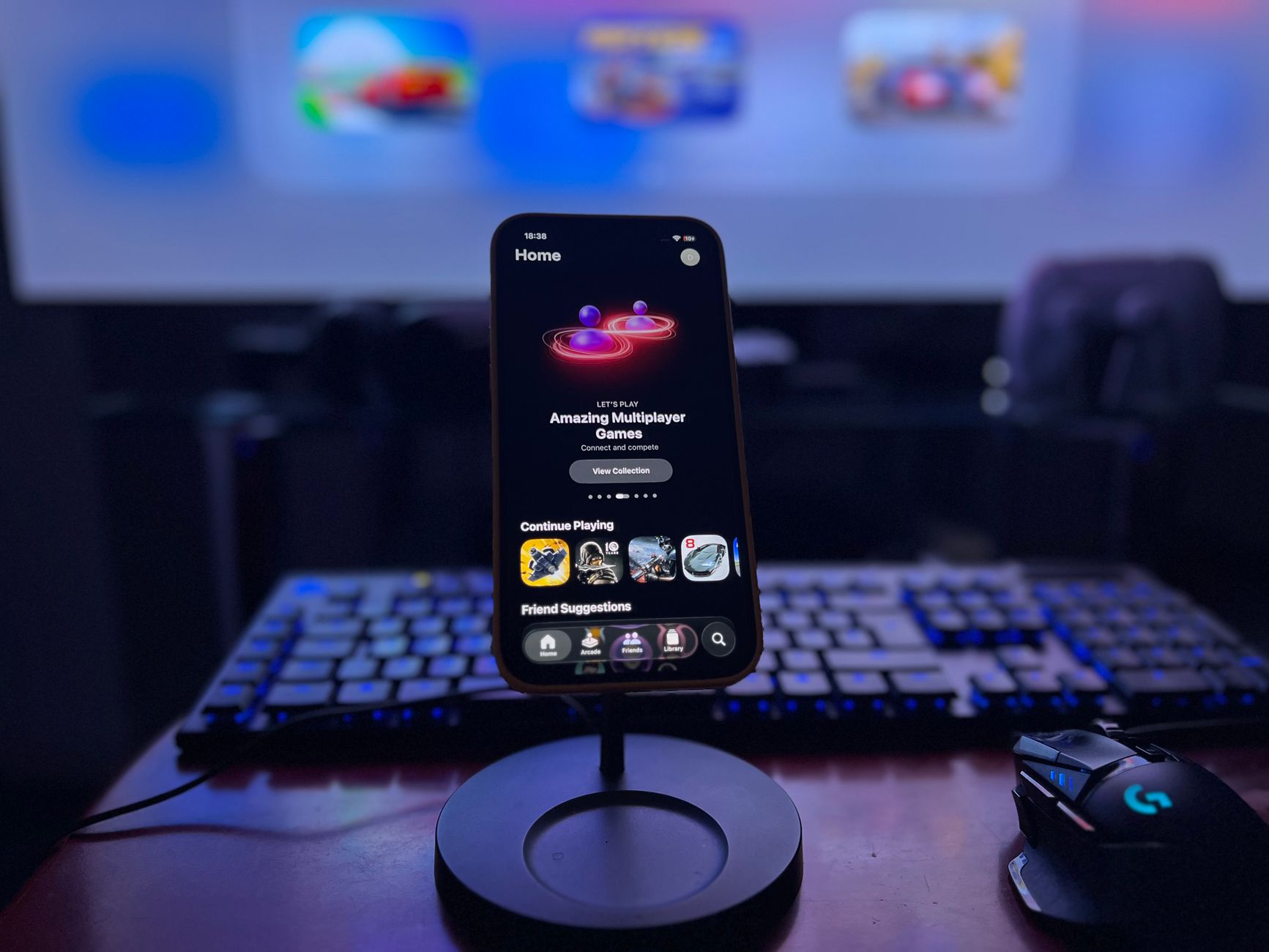
Windows 11 gaming performance could be reduced on some PCs due to the recent update. This has raised concerns among gamers about potential lag and decreased responsiveness.
Overview of the Windows 11 Update
The recent rollout of Windows 11 has sparked concerns among gamers, with reports suggesting that the update could negatively impact gaming performance on some PCs. As players delve into the latest titles, many are left questioning whether this new operating system is a step backward for gaming enthusiasts.
Initial feedback highlights several issues that may hinder the gaming experience:
- Frame Rate Drops: Some users have reported noticeable drops in frame rates after upgrading, which can significantly affect gameplay.
- Increased Latency: Gamers have experienced higher latency levels, making online play more challenging and less enjoyable.
- Compatibility Issues: Certain games and applications may struggle to run smoothly on Windows 11, causing frustration among players.
Despite these concerns, Microsoft has assured users that they are actively working to address performance issues. Many are hopeful that future updates will enhance Windows 11 gaming performance, restoring stability and efficiency. It remains to be seen whether the latest changes will ultimately benefit the gaming community or be remembered as a misstep in the evolution of the Windows operating system.
Impact on Gaming Performance
The release of Windows 11 has generated mixed reactions, particularly regarding its impact on gaming performance. Many gamers are concerned that the latest update could lead to a decline in their overall experience. Several reports indicate that certain PCs may experience reduced frame rates and increased latency after upgrading.
Users have noted various issues that could be affecting their gaming performance, including:
- Compatibility Problems: Some older hardware and software may not work optimally with Windows 11.
- Background Processes: The new operating system may prioritize system updates and other background tasks over gaming, potentially leading to performance dips.
- Graphics Driver Issues: Outdated or incompatible graphics drivers can exacerbate performance problems.
In addition, reports suggest that the introduction of new features, while beneficial in some aspects, may also inadvertently contribute to these performance issues. As gamers continue to test the waters with Windows 11, it remains to be seen if optimizations will be made to enhance gaming performance or if the update will be remembered as a setback for the gaming community.
User Reactions and Feedback
As gamers continue to explore the new features of Windows 11, user reactions have varied significantly. While some players have reported improvements in overall system performance, others have expressed frustration regarding the impact on gaming performance. Many users took to social media and gaming forums to share their experiences, highlighting both positive and negative aspects of the update.
Among the criticisms, a common theme has emerged. Users have noted that certain games experience increased latency and reduced frame rates, particularly on older hardware. These issues have led some to question whether Windows 11 gaming performance is indeed the worst update ever.
In contrast, some players have praised the new DirectStorage feature, which promises faster load times and enhanced graphics. This has given rise to a mixed bag of opinions as gamers weigh the pros and cons of the latest operating system.
To summarize the feedback:
- Negative feedback: Increased latency and frame rate drops.
- Positive feedback: Improved load times with DirectStorage.
- Overall sentiment: Divided opinions on Windows 11 gaming performance.
What Gamers Are Saying
As the conversation around Windows 11 gaming performance continues to evolve, gamers are sharing their experiences online. Many have taken to social media platforms and gaming forums to express their concerns regarding the update’s impact on their gaming experience.
- “I’ve noticed significant frame drops since updating to Windows 11,” shared one frustrated gamer on a popular forum, echoing a sentiment felt by several others.
- Another user noted, “I was really excited for the new features, but my games run worse than before.”
- Several players reported issues with specific titles, claiming that performance dips were particularly noticeable in competitive games.
In contrast, a small number of users have reported improvements, stating that Windows 11 has optimized their system’s performance, leading to smoother gameplay. However, these voices seem to be in the minority.
As the gaming community grapples with these mixed reviews, it remains to be seen how Microsoft will address the concerns regarding Windows 11 gaming performance in future updates.
Potential Fixes and Workarounds
As gamers continue to express concerns over the Windows 11 gaming performance issues, several potential fixes and workarounds have emerged that may help alleviate the problems. Here are some suggestions that gamers can try:
- Update Graphics Drivers: Ensure that your graphics drivers are up to date, as manufacturers frequently release optimizations that can improve performance.
- Disable Full-Screen Optimization: For specific games experiencing issues, right-click on the game executable, go to Properties, and disable full-screen optimization under the Compatibility tab.
- Adjust Power Settings: Switching to a high-performance power plan can help boost game performance, particularly on laptops.
- Enable Game Mode: Windows 11 features a Game Mode that prioritizes gaming resources. Make sure this is enabled in the system settings.
- Check for Windows Updates: Microsoft is actively working on patches to address performance issues, so keeping the system updated can be beneficial.
While these workarounds may not completely resolve the issues, they can help improve the overall experience for gamers facing performance drops on Windows 11.
Future Updates from Microsoft
As Microsoft continues to address the concerns surrounding the Windows 11 gaming performance, many gamers are eager to see what future updates will bring. The tech giant has acknowledged the feedback from users and is actively working on solutions to enhance the gaming experience for PC players.
Upcoming updates are expected to focus on several key areas:
- Performance Enhancements: Microsoft is rumored to be revising certain system processes that may be impacting gaming performance negatively.
- Driver Optimization: Collaborations with hardware manufacturers could lead to improved driver support, enhancing compatibility and performance.
- Bug Fixes: The company is likely to release patches aimed at fixing bugs that have been reported by users, particularly those affecting frame rates and system stability.
- User Feedback Integration: Future updates may incorporate suggestions from the gaming community, ensuring that the needs of gamers are prioritized.
As these updates roll out, many hope to see a significant improvement, ultimately determining whether the Windows 11 update will be remembered as a misstep in gaming performance.
Conclusion: Should You Update?
In conclusion, the question of whether to update to Windows 11 largely hinges on your individual gaming needs and hardware compatibility. While some users have reported improvements in Windows 11 gaming performance, others have experienced notable declines, leading to frustration within the gaming community.
The mixed feedback suggests that while Windows 11 may offer sleek new features and a modern interface, it does not universally enhance gaming experiences. For those with high-end gaming rigs, the performance gains might outweigh the risks. Conversely, gamers with older hardware may find themselves facing challenges that could detract from their gameplay.
As Microsoft continues to address concerns with future updates, it may be wise to monitor the situation closely. Here are some considerations:
- Assess your current setup: Ensure your hardware meets the requirements for optimal performance.
- Stay informed: Keep an eye on updates and patches that could improve performance.
- Join community discussions: Engage with fellow gamers to share experiences and solutions.
Ultimately, the decision to update should be based on careful evaluation of both performance and personal gaming preferences.
Many gamers have expressed disappointment with the Windows 11 gaming performance, citing issues such as stuttering and frame drops. As a result, discussions have emerged about whether Windows 11 gaming performance truly makes it the worst update ever.
Photo by Déji Fadahunsi on Pexels